


A telecom PCBA package can look complete and still leave the most important manufacturing questions unanswered.
The BOM may be exported. The Gerber files may be ready. The pick-and-place data may match the layout. A quotation can be prepared.
But telecom and communication equipment often depends on signal integrity, connector alignment, RF behavior, shielding, firmware configuration, thermal control, power stability, network interface testing, and traceability. A communication board may pass basic assembly inspection and still create problems later if the RF path, high-speed interface, antenna connector, grounding method, firmware version, MAC address rule, or test fixture requirement was not clarified before production.
For OEM buyers, the useful question is not only "Can this supplier assemble the PCBA?"
The better question is: has the build package made the communication, mechanical, electrical, firmware, testing, sourcing, and deployment assumptions clear enough for manufacturing?
This matters for products such as communication gateways, router boards, industrial Ethernet modules, IoT communication devices, wireless control modules, base-station support electronics, data acquisition units, antenna interface boards, networked industrial controllers, and cabinet-mounted communication devices.
The Real Risk Is Usually an Unspoken Assumption
A telecom PCBA can look complete on paper.
The BOM is exported.
The Gerber files are ready.
The CPL file matches the layout.
The quote can be prepared.
But communication products often fail later because something important was assumed instead of defined.
Maybe the RF connector was placed correctly, but the antenna cable exits in the wrong direction once the board is inside the enclosure. Maybe the Ethernet port powers up, but no one defined whether production testing should verify link status or actual data transfer. Maybe firmware is loaded, but the MAC address, module version, or regional configuration is not tied to the serial number.
These are not always soldering problems.
They are manufacturing-readiness problems.
Before the first build, buyers should make the hidden assumptions visible: what the board must communicate with, which interfaces are critical, what can be substituted, what must be programmed, what must be tested, and what records must follow the unit after shipment.

Separate the Communication Path from the Support Circuit
Communication equipment often combines two different layers of electronics on the same PCBA.
One layer is the communication path.
This may include RF sections, antenna connectors, Ethernet PHYs, optical transceiver interfaces, high-speed differential pairs, USB or serial interfaces, clock circuits, wireless modules, SIM or eSIM interfaces, or communication ports.
The other layer is the support circuit.
This may include power regulation, protection components, MCU control, LEDs, reset circuits, sensors, relays, user interface boards, or service ports.
Both layers matter, but they do not create the same manufacturing questions.
Before PCBA manufacturing starts, the EMS team should understand:
which areas are RF, high-speed, low-speed, power, and control;
- which ports are customer-facing or field-wired;
- which connectors mate with cables, antennas, transceivers, or enclosure openings;
- which circuits are sensitive to grounding, shielding, impedance, or clock stability;
- which components are function-critical or no-substitute parts;
- which interfaces must be tested during production;
- which configuration data must be programmed or recorded.
A BOM does not always make these relationships visible.
For telecom and communication equipment, the schematic, layout notes, assembly drawing, mechanical model, firmware rule, and test procedure may all matter before the first build.
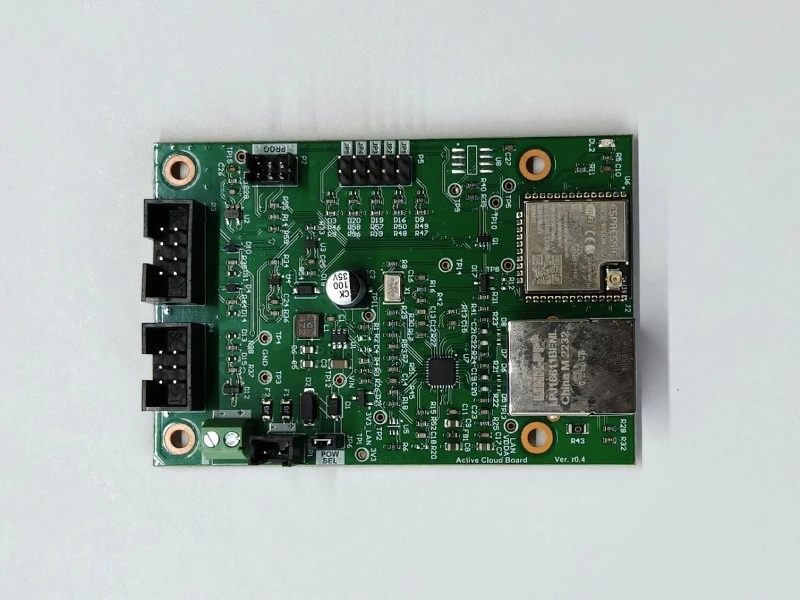
RF and Antenna Interfaces Need Clear Ownership
RF-related boards should not be treated like ordinary digital PCBAs.
Even when the EMS partner is not responsible for RF design, the manufacturing package should still make RF-sensitive areas clear.
The buyer should define:
- RF connector type and orientation;
- antenna connector access after assembly;
- coaxial cable type, length, and routing where applicable;
- who supplies the antenna, cable, or RF adapter;
- whether the antenna is tuned by the OEM, EMS partner, or another supplier;
- whether shielding cans are required;
- whether any RF path should be kept free from coating, adhesive, solder mask, or contamination;
- whether tuning components are fixed or may change during validation;
- whether any RF components are no-substitute parts;
- whether RF testing is required at PCBA level or product level.
Antenna and RF ownership is easy to underestimate.
If the OEM provides the antenna, the EMS team still needs to know how it will be connected and protected during assembly and test. If the EMS partner sources the antenna or RF cable, the buyer should define the acceptable part, approved source, and verification method. If tuning is still open, the first build should not pretend that the RF path is already frozen.
The practical question is not only "Is the RF connector placed?"
The better question is: is the RF interface ready to be assembled, connected, protected, tested, and repeated in the way the finished product will actually use it?
High-Speed Interfaces Should Not Be Released with Vague Test Expectations
High-speed communication interfaces are often sensitive to layout, connector choice, component placement, cable path, stack-up, and test method.
By the time the board reaches assembly, the impedance design should already be complete. But manufacturing can still affect the result if the build package leaves too much open to interpretation.
Useful items to clarify include:
- controlled-impedance PCB requirements;
- stack-up and material requirements where relevant;
- connector model and approved alternates;
- clock source and crystal requirements;
- ESD protection parts around external ports;
- shielding or grounding method;
- test point location and probing limits;
- cable or fixture used during communication testing;
- whether the interface is tested by continuity, link status, data transfer, measured signal, or customer-specific procedure.
The EMS partner should not guess whether a communication port only needs continuity, whether it needs a basic link test, or whether it needs a defined data transfer check.
Those are different release criteria.
If the buyer expects communication performance to be verified, that expectation should be visible before the test fixture and work instruction are prepared.
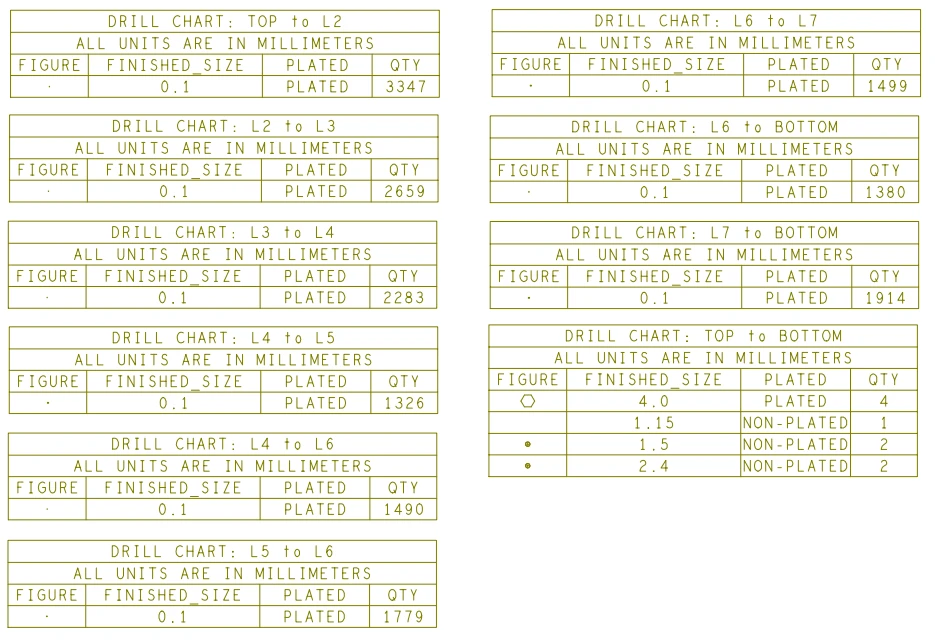
PCB Material, Surface Finish, and Keep-Out Rules Should Be Defined Early
Some communication PCBAs can be built with standard PCB materials.
Others need low-loss laminates, controlled stack-ups, tighter impedance control, special surface finish decisions, or solder mask keep-out areas around RF paths.
The important point is not to over-specify every board.
The important point is to avoid letting the factory guess.
Before fabrication and assembly start, the buyer should clarify:
- whether standard FR-4 is acceptable or a specified laminate is required;
- whether the stack-up is controlled by the OEM design team;
- which layers or traces require controlled impedance;
- whether impedance coupons or test reports are required;
- whether RF traces, antennas, or coplanar waveguide areas need solder mask clearance;
- whether surface finish selection affects RF or high-speed performance;
- whether any material substitutions require approval;
- whether PCB fabrication records should be retained for repeat production.
For a low-speed communication control board, these items may be simple.
For an RF, high-speed, optical, or base-station-related design, they may become production-critical.
A board can be assembled perfectly and still miss its communication target if the PCB material or fabrication assumptions were wrong before assembly began.
Connector and Cable Planning Can Decide Whether the Product Is Buildable
Telecom and communication PCBAs often carry many interface points.
These may include RJ45 ports, USB ports, board-to-board connectors, RF coax connectors, antenna connectors, SFP or optical module interfaces, terminal blocks, SIM sockets, FFC / FPC connectors, debugging headers, or cabinet wiring connectors.
Connector planning should confirm:
- connector orientation;
- mating cable or module type;
- connector height and mechanical clearance;
- latch or lock access;
- cable exit direction;
- strain relief method;
- enclosure or panel opening alignment;
- service access after installation;
- inspection before the connector becomes hidden;
- whether a mating connector, cable, loopback plug, antenna, or module is needed for test.
A communication board can be electrically correct but difficult to build if the connector cannot be reached, the cable must be twisted, or the port does not align with the enclosure.
This is especially important for repeat production.
A one-time engineering sample can often be "made to work" at the bench. A production build needs the connector and cable path to work the same way every time.
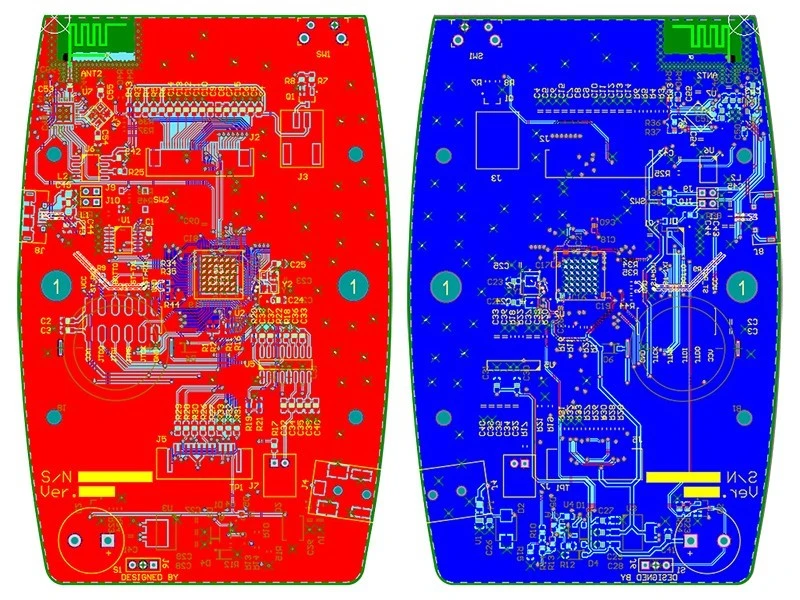
EMI, ESD, and Grounding Assumptions Should Be Visible
Communication equipment usually interacts with external cables, antennas, network ports, industrial wiring, or field devices.
That means EMI, ESD, shielding, and grounding assumptions can affect both manufacturing and final testing.
Before the first build, the buyer should clarify:
- where ESD-sensitive interfaces are located;
- which ports need protection components;
- whether shielding cans, metal frames, gaskets, or grounding clips are used;
- whether the enclosure is part of the grounding path;
- whether any coating or adhesive must avoid grounding surfaces;
- whether cable shields need defined termination;
- whether shield cans require specific solder paste or inspection attention;
- whether functional testing should be performed with the final enclosure or cable condition.
The EMS partner can assemble the components shown in the BOM.
But if the grounding path depends on a bracket, enclosure, screw, gasket, shield can, or cable shield, the production package should say so.
A shield that is installed correctly as a part may still fail as a system if the contact path is unclear.
Thermal Planning Matters More Than Buyers Sometimes Expect
Communication products are often expected to run continuously.
A gateway, router, industrial communication module, wireless controller, or network device may sit inside a cabinet, enclosure, rack, or outdoor equipment where airflow is limited.
Before production, the build package should clarify:
- which components are expected to run warm;
- whether heat sinks, thermal pads, metal frames, or enclosure contact are required;
- whether shielding cans affect airflow or heat spreading;
- whether component height controls thermal pad compression;
- whether firmware or test mode changes heat generation;
- whether cable routing blocks ventilation;
- whether the final enclosure condition changes the test result.
This does not mean every communication PCBA needs complex thermal analysis at the EMS stage.
But if the product depends on a thermal pad, metal cover, heat sink, or enclosure contact, those details should not be left to final assembly guesswork.
A board that passes a short bench test may still need a clearer thermal release condition.
Critical Components Need Sourcing Rules, Not Last-Minute Substitution
Telecom and communication PCBAs may include parts that are difficult to substitute casually.
Examples may include RF connectors, crystals, oscillators, Ethernet PHYs, wireless modules, optical transceiver cages, ESD protection parts, filters, magnetics, processors, memory, power modules, and certified radio modules.
Before quoting or production, the sourcing review should define:
- which components are no-substitute parts;
- which approved alternates are allowed;
- which parts need customer approval before substitution;
- whether lifecycle status affects repeat production;
- whether module firmware or hardware revision matters;
- whether authorized-source purchasing is required;
- whether date code, lot, or version traceability is required;
- whether customer-supplied material requires incoming inspection rules.
For communication products, "same footprint" is often not enough.
A substitute part may fit the pads and still change signal behavior, firmware compatibility, thermal behavior, compliance status, or test limits.
The build package should make sourcing flexibility visible without allowing uncontrolled substitution.
Firmware, Provisioning, and Device Identity Are Manufacturing Inputs
Firmware is not just a software detail.
For telecom and communication equipment, firmware may control communication protocol, port behavior, network address handling, RF settings, encryption behavior, boot mode, device ID, test mode, LED status, or customer-specific configuration.
Before functional testing starts, the buyer and EMS partner should confirm:
|
Firmware / Configuration Item |
Why It Matters |
|
Firmware version |
Confirms the correct release is programmed |
|
Bootloader or programming method |
Affects the programming route |
|
MAC address or serial rule |
Supports device identity and traceability |
|
RF or communication parameter |
Prevents configuration mismatch |
|
Customer-specific settings |
Supports product variant control |
|
Test mode |
Supports production verification |
|
Change control rule |
Prevents mixed firmware releases |
|
Firmware-to-hardware mapping |
Prevents wrong firmware on the right board |
|
Provisioning record |
Confirms what identity and configuration were loaded |
A PCBA with the right hardware and wrong firmware may still behave like the wrong product.
The same applies to configuration files, network identities, module settings, and programmed addresses.
If these items are handled informally, the test record may not prove what the buyer thinks it proves.
Functional Testing Should Prove Communication Behavior, Not Just Power-On
A communication PCBA should not be released only because it powers on.
The test method should confirm the behavior that matters for the product stage.
Depending on the product, functional testing may include:
- power input check;
- firmware version confirmation;
- Ethernet link or data transfer check;
- USB, UART, CAN, RS-485, or other port verification;
- RF module boot or communication check where applicable;
- LED or status indicator check;
- SIM, storage, or module interface check;
- MAC address, serial number, or configuration verification;
- current consumption or thermal observation where required;
- connector and cable continuity;
- final visual and label inspection.
Not every product needs every test.
But the release method should match the real risk.
If the product depends on Ethernet communication, a simple power LED is not enough. If the product depends on a wireless module, module presence may not be enough. If the product is configured by serial number, MAC address, or customer firmware, those records should be tied to the unit.
The test plan should make the difference between "powered" and "communicating" clear.
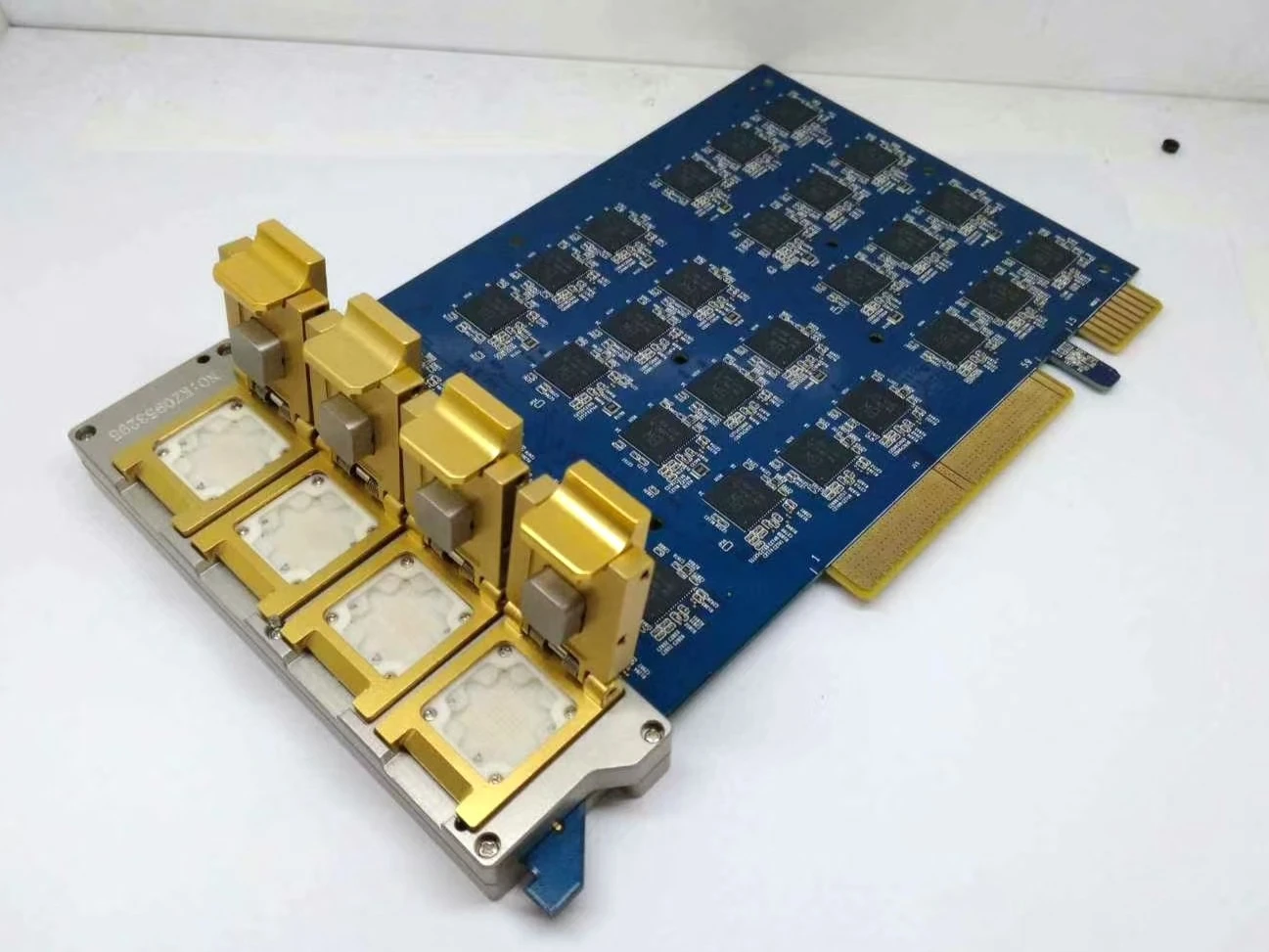
Test Fixtures Should Be Planned Before the First Build
Telecom and communication PCBAs often need fixtures, mating cables, loopback plugs, RF adapters, network equipment, customer software tools, or provisioning scripts.
If the test setup is not defined early, the PCBA may be built before anyone knows how to verify it properly.
Before production, the team should clarify:
- whether the board needs a bed-of-nails fixture;
- whether communication ports need loopback testing;
- whether a network switch, router, PC tool, or software script is required;
- whether RF connectors need defined mating adapters;
- whether firmware programming and functional testing share the same fixture;
- whether test cables create mechanical stress;
- whether the board needs support under connector or pogo-pin areas;
- whether failed units can be removed safely for debug.
A test fixture is not only a measurement tool.
It is part of the production process.
If it bends the board, stresses a connector, or depends too heavily on operator judgment, the test result may look clean while the process remains unstable.
Traceability Should Follow the Field Use Case
Communication equipment often needs identity control.
A finished unit may require a serial number, MAC address, IMEI, module ID, customer label, firmware label, configuration label, or shipment record.
Before production, the buyer should define:
- serial number format;
- MAC address or network identity handling;
- label content and placement;
- whether labels must remain visible after enclosure assembly;
- whether firmware version should be recorded;
- whether module version or hardware revision matters;
- whether test result should link to serial number;
- whether shipment records should include unit identity.
A label is useful only if it connects to a record that helps later.
For communication equipment, that record may matter during field installation, network provisioning, warranty support, firmware update, or failure analysis.
Traceability should not stop at "batch passed."
It should answer which unit was built, how it was configured, how it was tested, and what was shipped.
Deployment Conditions Should Not Be Assumed from the BOM
Communication products may be used in offices, industrial cabinets, outdoor enclosures, vehicles, energy systems, telecom racks, or remote monitoring equipment.
The manufacturing package should make the intended environment visible enough for assembly and test planning.
Useful questions include:
- Will the product be installed indoors, outdoors, or inside a cabinet?
- Is conformal coating required?
- Are there keep-out areas for connectors, RF paths, switches, or grounding contacts?
- Does the enclosure affect thermal behavior?
- Are cables installed before or after final testing?
- Will the product face vibration or mechanical stress?
- Are ports exposed to frequent plugging and unplugging?
- Are labels and connectors still accessible after installation?
- Does the product need customer-specific packing or accessory control?
Not every communication PCBA needs special environmental protection.
But the EMS partner should not have to infer deployment conditions from the BOM alone.
If the product environment changes how the board should be assembled, tested, protected, labeled, or packed, it should be part of the build package.
What Buyers Should Clarify Before the First Build
Telecom and communication equipment buyers can help the EMS partner prepare production by making key assumptions visible early.
Useful inputs include:
|
Buyer Input |
Why It Helps |
|
Product function description |
Explains what the board communicates with |
|
Active PCB and BOM revisions |
Prevents build package mismatch |
|
Controlled-impedance or stack-up requirements |
Supports PCB fabrication alignment |
|
RF or high-speed interface notes |
Identifies sensitive areas |
|
Antenna, cable, or module ownership |
Prevents handoff gaps during test and integration |
|
Connector and cable drawings |
Supports assembly, testing, and enclosure fit |
|
Approved alternates and no-substitute parts |
Controls sourcing risk |
|
Firmware and configuration rules |
Supports programming and functional testing |
|
MAC address or serial number rule |
Supports unit identity and traceability |
|
Functional test procedure |
Defines how communication behavior is verified |
|
Mechanical or enclosure information |
Supports connector access, grounding, and thermal review |
|
Coating or protection requirements |
Prevents contamination of ports, RF areas, or grounding contacts |
|
Labeling and packing rules |
Supports receiving, field installation, and service |
If these inputs are unclear, the EMS partner may still assemble the PCBA.
But the first build may expose questions that should have been resolved before the board entered production.
Before Manufacturing Telecom and Communication PCBA
For telecom and communication equipment buyers, the safest time to clarify communication-related build risks is before the first PCBA order enters production.
For OEM projects, STHL's PCB Assembly and Testing and Inspection discussions can help clarify practical build items before manufacturing starts, including component sourcing status, connector handling, RF or high-speed interface concerns, firmware version, configuration rules, inspection scope, functional testing, labeling, and traceability expectations.
The goal is not to make the project more complicated than necessary.
The goal is to make sure the build package reflects how the board will actually communicate, connect, and operate in the finished equipment.
Preparing a telecom or communication equipment PCBA project for manufacturing review? Submit your files through Request a Quote or email info@pcba-china.com.
Conclusion
Telecom and communication equipment should not move into PCBA manufacturing on file completeness alone.
A complete BOM and Gerber package may still leave important questions unanswered.
Before the first build, OEM buyers and EMS partners should clarify the signal path, RF interface, antenna ownership, high-speed connectors, EMI/ESD assumptions, grounding method, thermal path, critical components, firmware version, provisioning rule, configuration data, test fixture, communication test method, traceability rule, and deployment condition.
The practical lesson is simple:
Do not wait for the first build to reveal communication assumptions.
Make them visible before the PCBA is manufactured.


